How To Create Disney Face Swaps for Any Character [100% Free]
Vidnoz AI Face Swap is an excellent, free solution for creating Disney face swaps using advanced facial recognition technology. It’s perfect for both beginners and experienced users looking for fast, high-quality results.
1. Use Vidnoz for Disney Image Face Swapping
- Navigate to the official Vidnoz AI Face Swap tool.
- Upload the image of your favorite Disney character (this will be the base image).
- Upload the photo with the face you want to swap onto the character.
- Click 'Swap Face Now.' The process typically takes about 30 seconds. For watermark-free results and access to additional features, you can upgrade to a paid plan.
Swap Your Face With Any Disney Character for FREE!
2. Create Realistic Video Disney Face Swaps
Beyond still images, Vidnoz also offers a powerful tool for video face swaps, bringing your creations to life.
- Visit Vidnoz AI Face Swap and select the “Video Face Swap” tab.
- Upload a video featuring a Disney character.
- Upload an image of the face you want to swap.
- Click “Swap Face Now.” The process usually takes between 45–60 seconds. The free version allows up to 8 uses per day.
Funny Disney Character Face Swaps
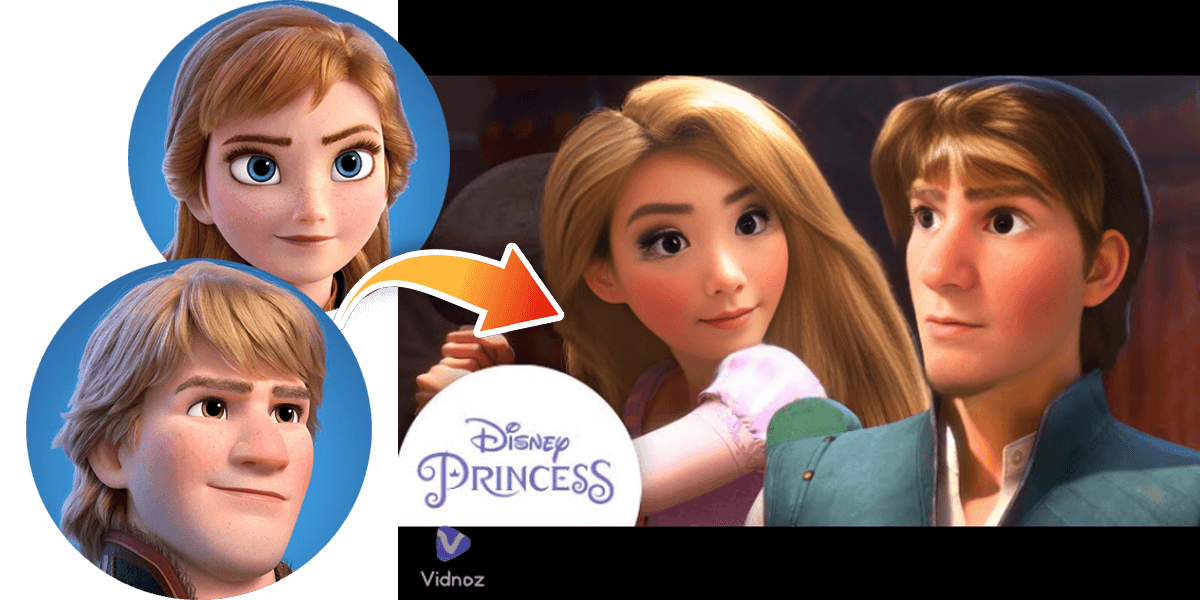
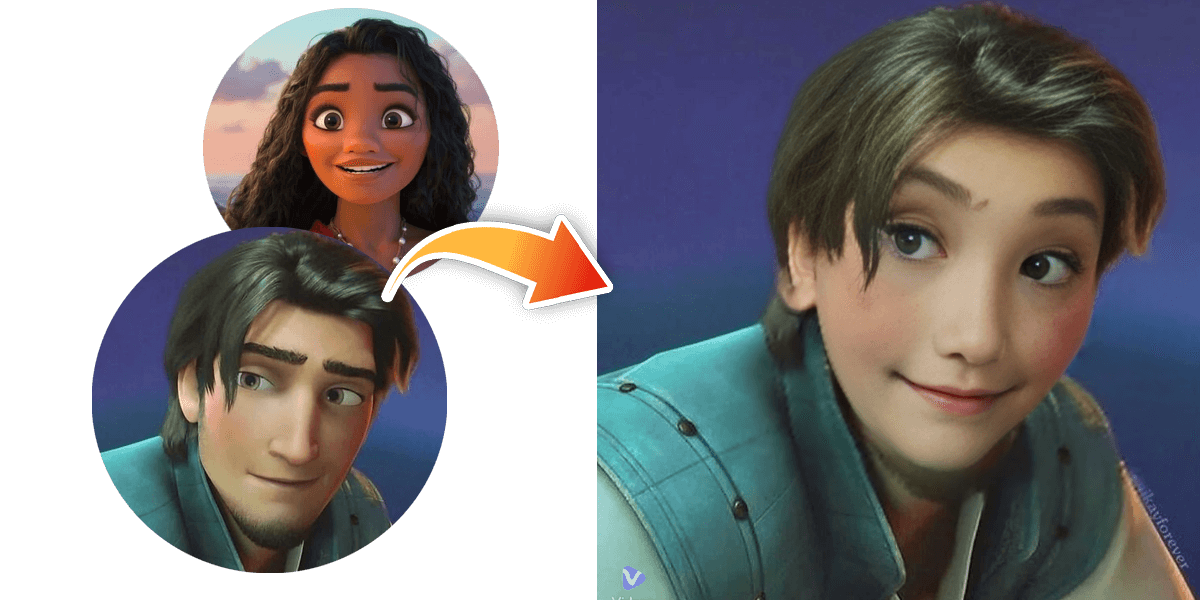
Explore these hilarious examples of what famous Disney characters look like after using face swap apps. These images showcase the creative and entertaining possibilities of this technology.
3 Tips for Realistically Swapping Disney Characters’ Faces
- Choose Similar Faces: For the most natural-looking results, select characters with a similar facial structure to the face you're swapping in. This helps the AI blend the features more seamlessly.
- Use High-Quality Images: Always use clear, well-lit, and high-resolution images. Higher quality source photos lead to better, more realistic final results.
- Use 3D Characters: 3D-rendered characters from newer animated movies often provide more depth and detail, which can result in a more realistic and compelling face swap.
Top 2 Vidnoz Alternatives for Disney Face Swaps in 2025
1. Adobe Photoshop
For those who prefer a more hands-on approach, Adobe Photoshop is the industry-standard for precise photo editing and face swapping.
- Pros: Unmatched control and precision, advanced blending techniques, unlimited creative freedom.
- Cons: Difficult to use for beginners, requires a significant time investment, and is expensive due to its subscription model.
2. Canva
Canva is an excellent free online tool for simpler face swaps. It’s perfect for users who want to create a quick and easy design without complex software.
- Pros: Completely free to use, highly user-friendly for simple swaps, and offers a wide range of design templates.
- Cons: Limited functionality compared to AI tools or Photoshop, and the process is slower as it requires manual placement.
Face Swap Technology and Its Creative Use
Face swap technology has evolved from a niche tool into a widely accessible creative resource. When used responsibly, it offers endless possibilities for art, entertainment, and personal projects. It is essential to respect intellectual property, such as Disney's copyrighted characters, and to always use these tools in a non-commercial and respectful manner. This ensures that the technology remains a positive force for creativity.
Conclusion
Creating face swaps with Disney characters is a fun and engaging way to explore the capabilities of modern AI and editing software. Whether you choose a simple AI tool like Vidnoz or a more complex one like Photoshop, the key is to prioritize creativity and responsible use. With the tips and tools outlined in this guide, you can start making your own unique and hilarious creations today. If you have any questions about the tools or the process, feel free to leave a comment below!