How To Create Funny Mike Wazowski Face Swap Memes for Free!
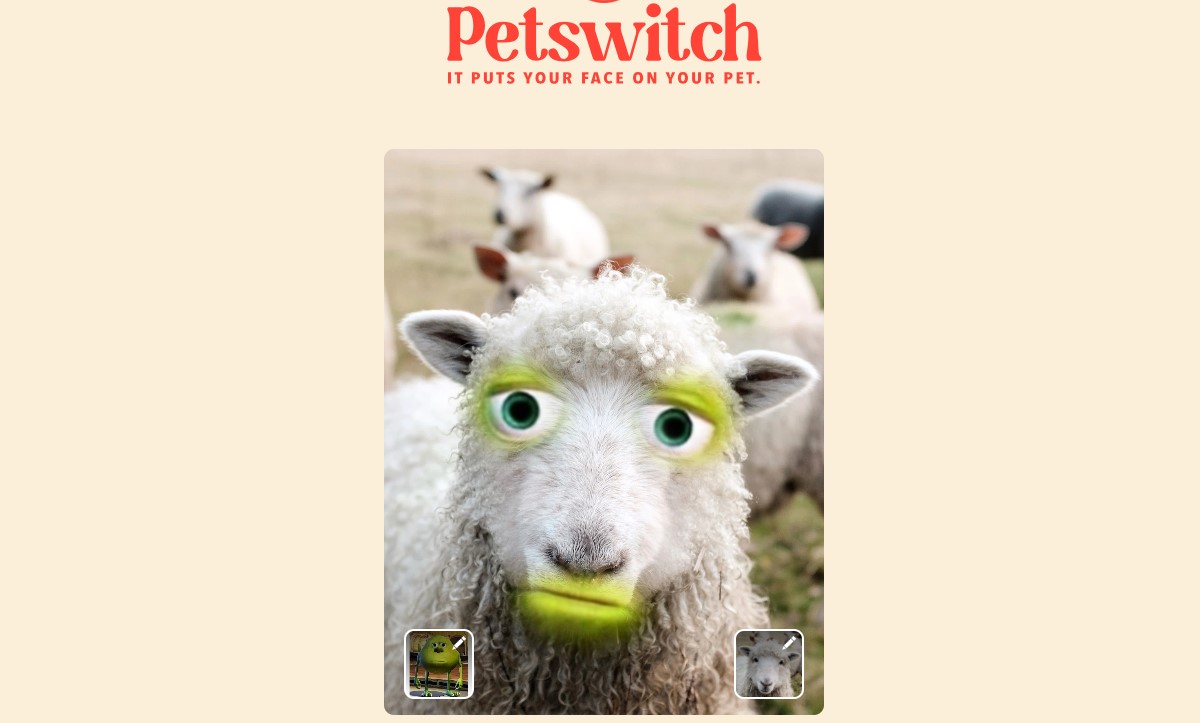
Creating a Mike Wazowski face swap meme can be tricky, as many AI tools struggle with his unique, single-eyed face. However, with the right tool, you can create a seamless and hilarious result.
- Find a face swap tool that offers a manual alignment feature.
- Upload a front-facing photo of Mike Wazowski as the base image.
- Upload the target face image you want to swap, ensuring it is also front-facing and high-quality.
- Drag the facial feature pointers (eyes and mouth) to the correct positions on both faces.
- Generate the final image to get your funny face-swapped photo.
For more general face swaps, Vidnoz AI is an excellent and user-friendly alternative that can handle a wide range of characters and photos.
Tips for Funny and Trendy Mike Wazowski Face Swap Memes
A great meme isn’t just about swapping faces; it’s about context and creativity. Here are some tips to make your Mike Wazowski memes stand out:
- Choose a High-Quality Face: The clearer the face you're swapping, the more convincing the result. Use a well-lit, high-resolution source image.
- Exaggerate Facial Features: To maximize the comedic effect, choose a face with an exaggerated expression, such as a wide smile, a shocked look, or squinting eyes.
- Unexpected Scenarios: The humor often comes from placing Mike’s face in an absurd context. Try swapping his face onto historical figures, movie characters, or in professional settings.
How To Face Swap Other Disney Characters with AI Tools
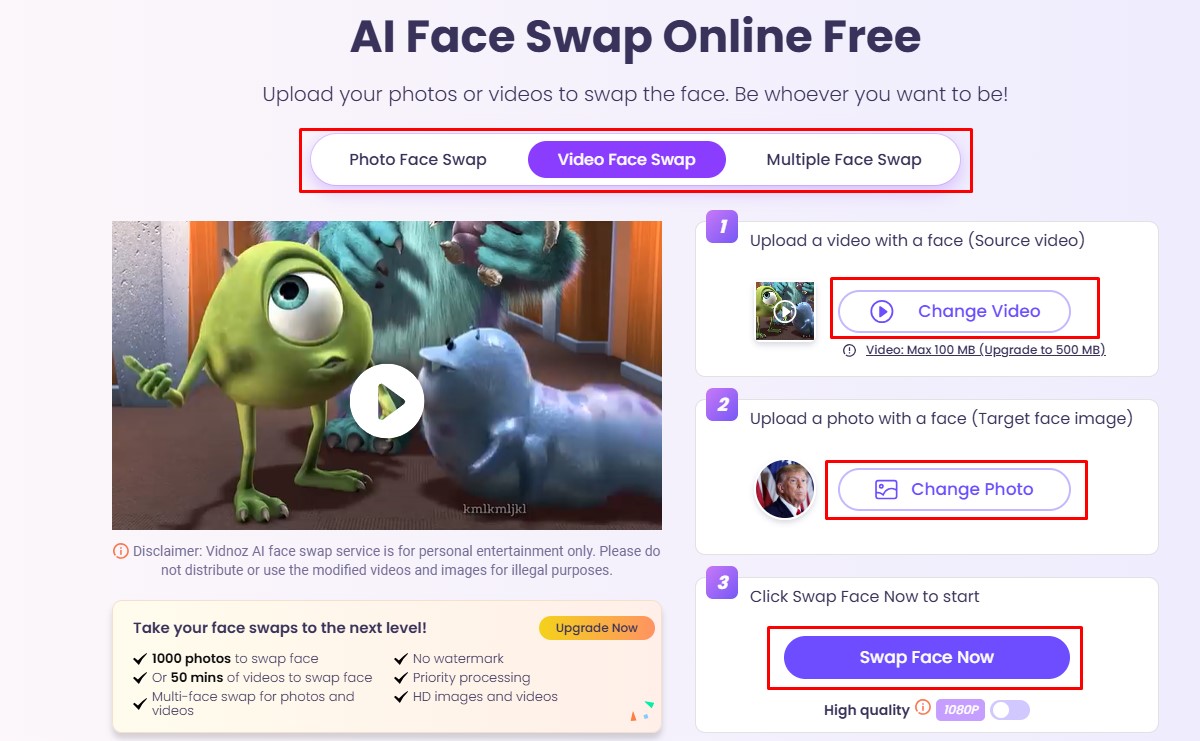
If you're looking to create more fun content with other Disney characters, AI face swap tools can help. Many online platforms provide an easy way to swap faces in images and videos, making it great for creating memes.
- Choose a reliable AI face swap tool that supports images or videos.
- Upload the base image or video of your chosen Disney character.
- Upload the target image with the face you want to use for the swap.
- Click “Generate” or "Swap Face Now" to create your unique masterpiece.
5 Other Tools for Creating Mike Wazowski Sulley Face Swap Memes
Beyond specialized AI tools, you can use general photo editors and meme generators to create your Mike Wazowski memes. Here are some of the best options:
Meme Generators:
- Imgflip: A simple, web-based tool that allows you to quickly add text to a pre-existing face-swapped Mike Wazowski meme.
- Image Resizer Meme Generator: Offers more control over text and image placement for customizing your memes.
Photo Editing Software:
- Adobe Photoshop: The industry-standard for advanced photo editing. Provides full creative control but has a steep learning curve.
- GIMP: A free, open-source alternative to Photoshop. It’s powerful and flexible but can be complex for beginners.
- Canva: A user-friendly online design tool with pre-made templates, perfect for quick and simple meme creation without advanced editing skills.
The Origin of the Mike Wazowski-Sulley Face Swap Meme
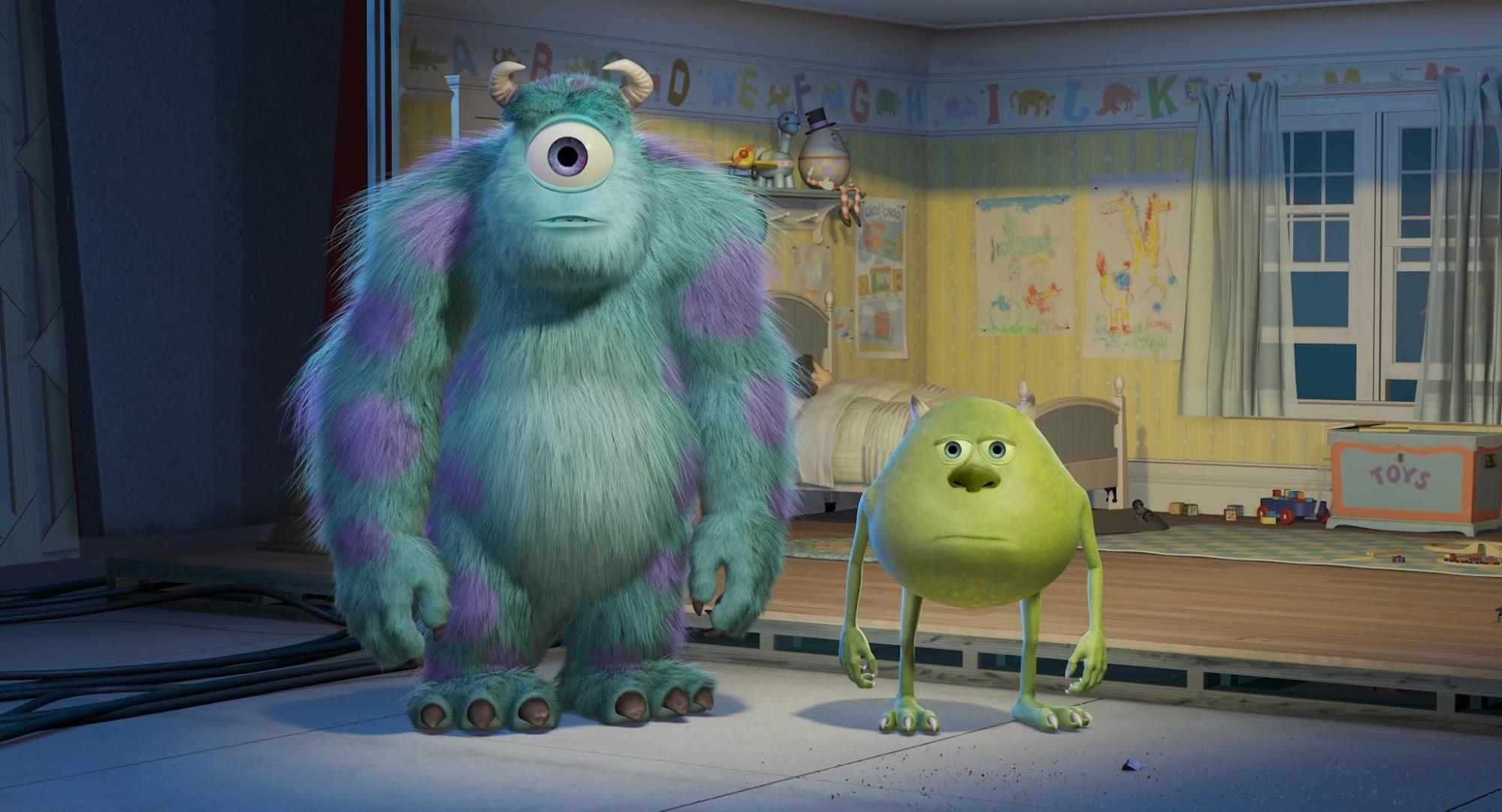
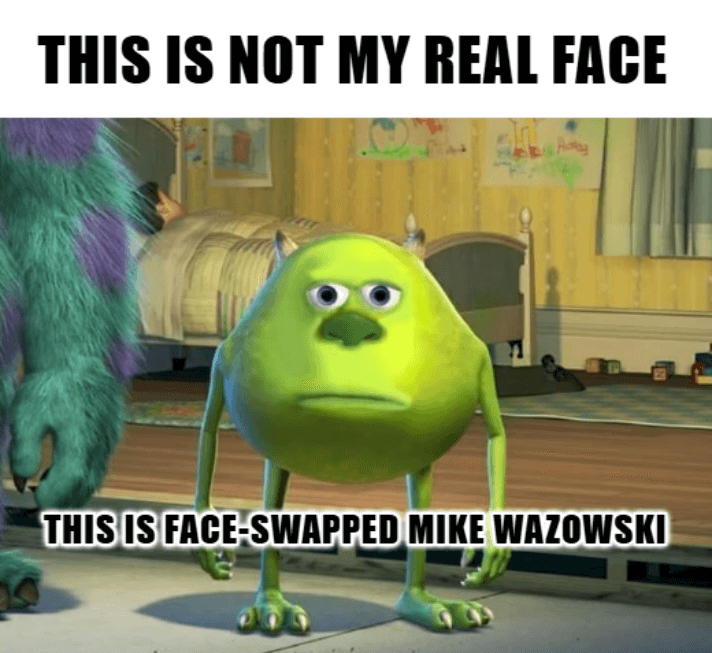
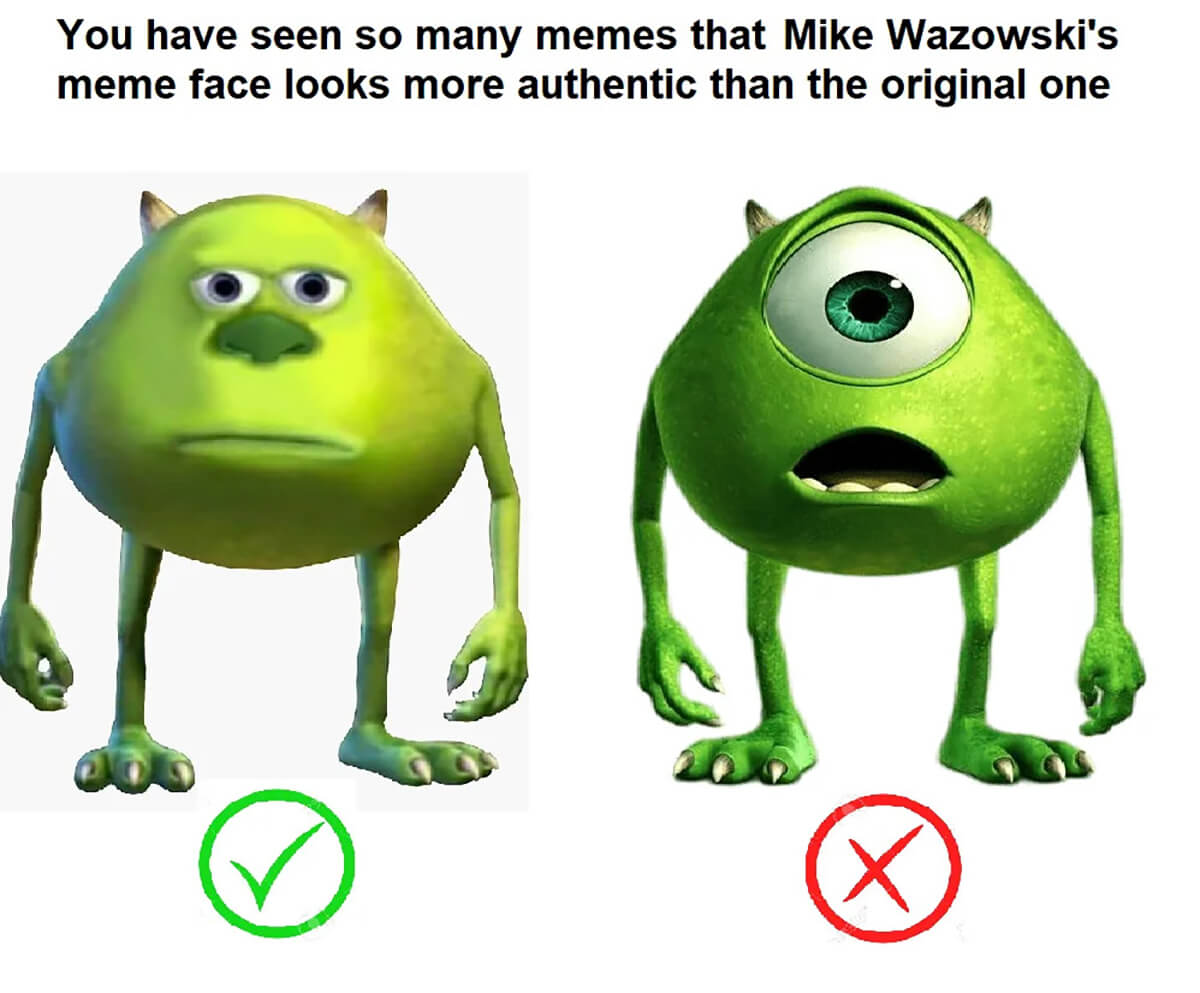
The iconic Mike Wazowski-Sulley face swap meme traces its roots back to a Facebook post by the "Sulley-Core" page on July 14, 2019. The image, which swapped the faces of the two main characters from Pixar's Monsters, Inc., went viral, quickly gaining thousands of likes and shares. The meme's popularity grew as users began cropping out Sulley, leaving just Mike with his famously misplaced eyes. This created a new, distinct meme format that has since become a staple of internet humor.
Conclusion
Creating hilarious Mike Wazowski face swap memes is easy with the right tools and a little creativity. Whether you use a specialized AI tool or a manual photo editor, the key is to have fun and experiment with different faces and scenarios. Now that you have this guide, you have everything you need to start making your own viral-worthy creations. Happy meme-making!